Download Sovelia JobQTool
Follow this link to Download JobQTool
Install the Sovelia JobQtool
Sovelia JobQtool is Version dependent
Make sure that you always install the same version as the client.
The Sovelia JobQtool will be installed on the jobprocessor machine.
Unpack the zip-file and then Run the "Sovelia JobQTool Setup for 202X .exe"
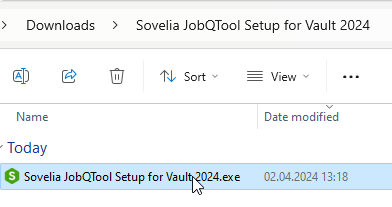
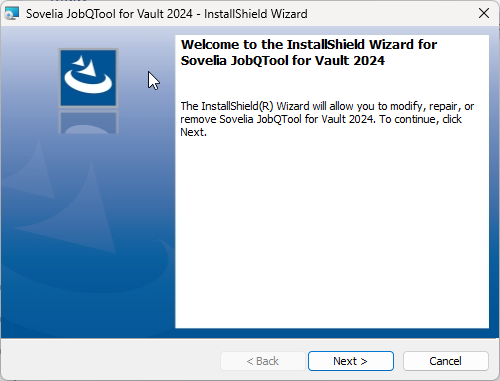
Follow instructions to complete the installation
A shortcut is created on your desktop. Running it will start the User interface and you can configure the setup.
We reccomend that you set it up tp run when windows start up in order to handle the jobs'
TIP
Copy the shortcut into "C:\ProgramData\Microsoft\Windows\Start Menu\Programs\Startup" and JobQtool will start automatically after a reboot.